This page is generated from the same registry the product ships with, so it's the real list, not the aspirational one. Every plan gets all of it.
Capture, score, and close, then keep selling to the customers you already won.
Build if-this-then-that automations across the workspace, including steps that create records.
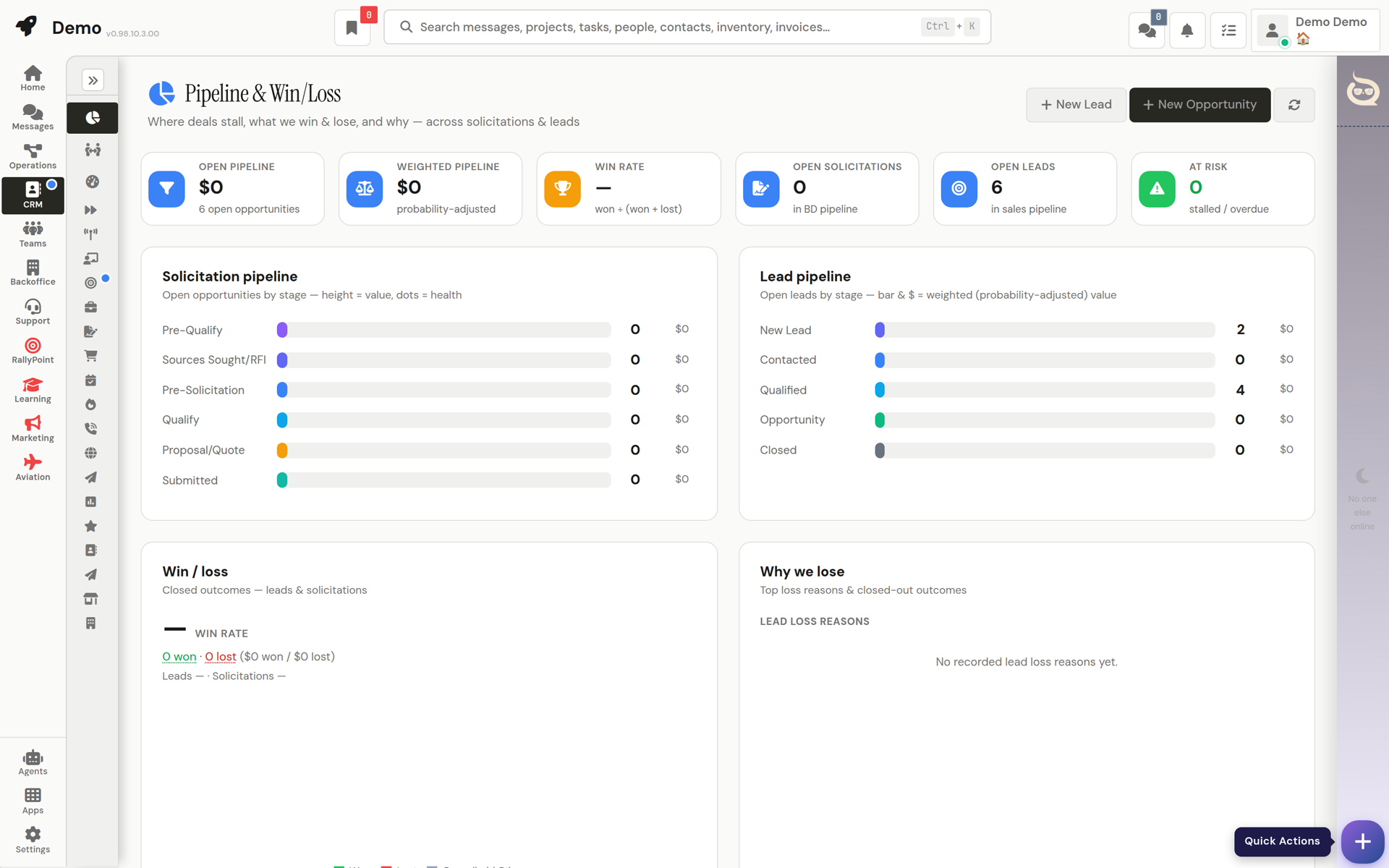
Org-wide pipeline analytics and per-owner performance.
Multi-step outreach sequences for leads and contacts.
The address book, all business contacts, plus mailing lists built from it.
Customer accounts with history, contacts, and financials.
Campaigns, email marketing, and brand assets.
Customer estimates, draft, send, and convert to invoices.
Build forms and surveys; collect and review responses.
Automatic lead scoring rules and rankings.
Sales leads, capture, qualify, score, and convert.
Opportunity pipeline: track bids from first posting through Go/No-Go gates to award.
Review requests and reputation monitoring.
Your sales numbers vs.
Team-wide sales targets, coaching, incentives, and scoring configuration.
Vendor accounts, profiles, POs, bills, and RMAs in one place.
Product catalog and online orders, wired straight into fulfillment.
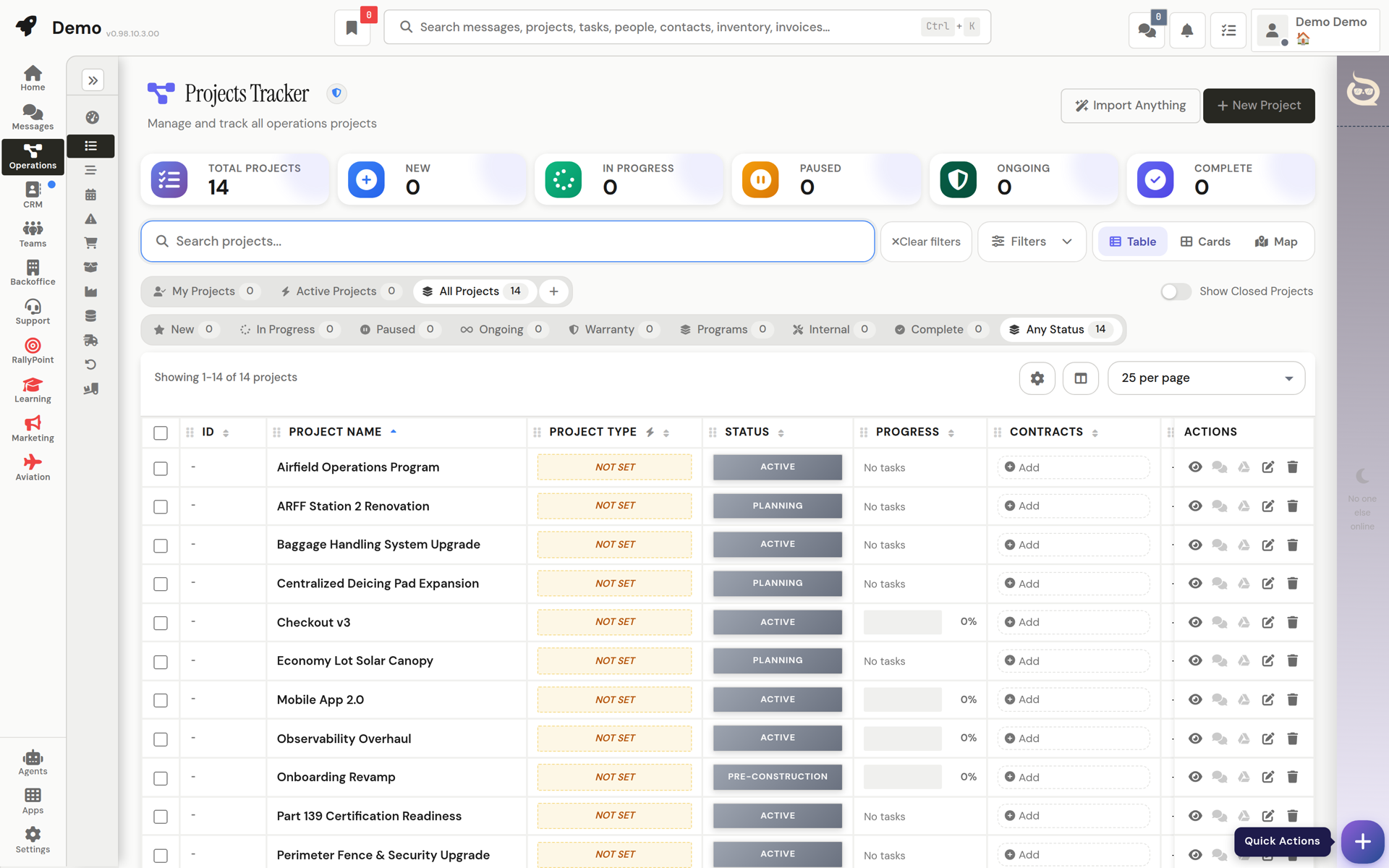
Projects, schedules, procurement, and inventory, connected to the deal that started them.
The orders you ship to customers, fed automatically by paid online orders.
Parts and stock catalog with quantities and locations.
Operations overview, workload, throughput, and status across the org.
Planning board for organizing upcoming work.
Purchase requests, BOMs, approvals, fabrication, and warehouse material issues.
Projects with tasks, milestones, budgets, files, and team assignments.
Project risk register, identify, score, and mitigate risks.
Project schedules and timeline views.
Billing that starts from facts: what shipped, who approved it, what the contract says.
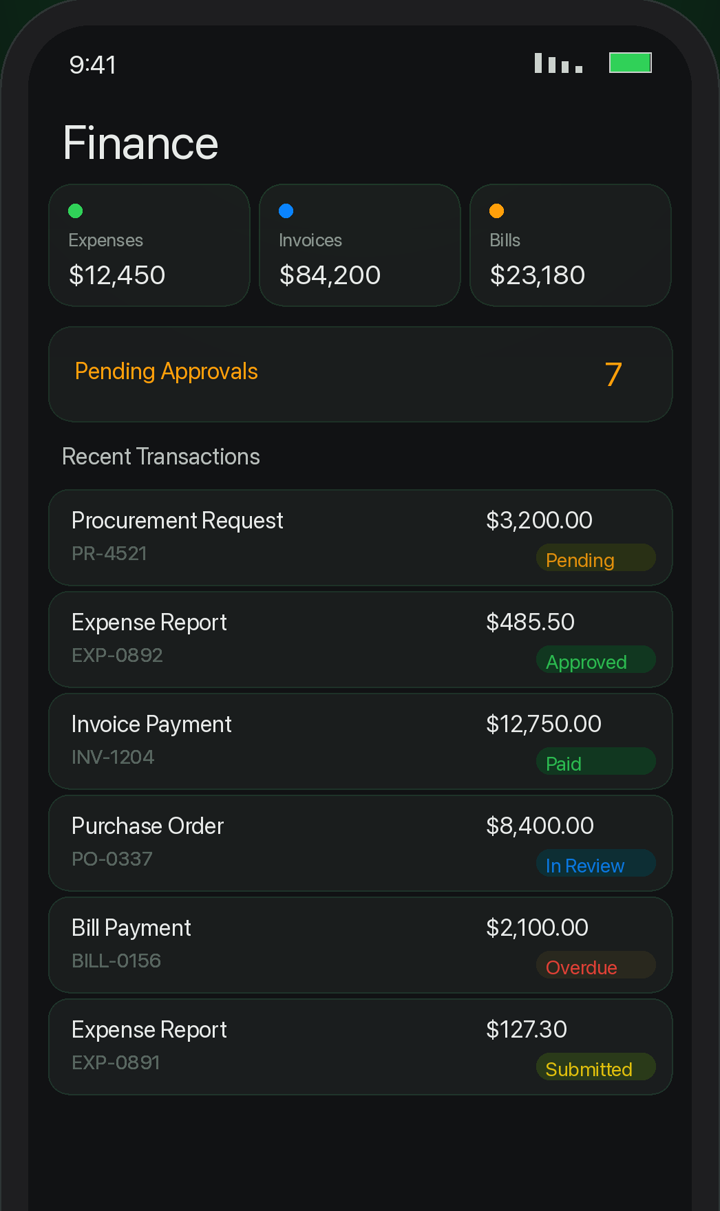
Vendor bills to pay, capture, approve, and schedule payment.
Cashflow forecast, the org's most sensitive financial surface.
Contracts and funding: terms, values, modifications, and assignments.
Company-wide margins: project costing and contract financials in one view.
Lender-facing contract draw packages with a point-in-time financial rollup.
Expense reports, submit your own; approve your team's.
Finance configuration, numbering, defaults, and approval rules.
Document templates for invoices, POs, and contracts.
Customer invoices, draft, approve, send, and track payment.
Money in and money out, one live, filterable ledger.
Outbound POs to vendors: draft, approve, send, track, and handle RMAs.
Hours, time off, hiring, and the org chart, next to the work instead of in another tab.
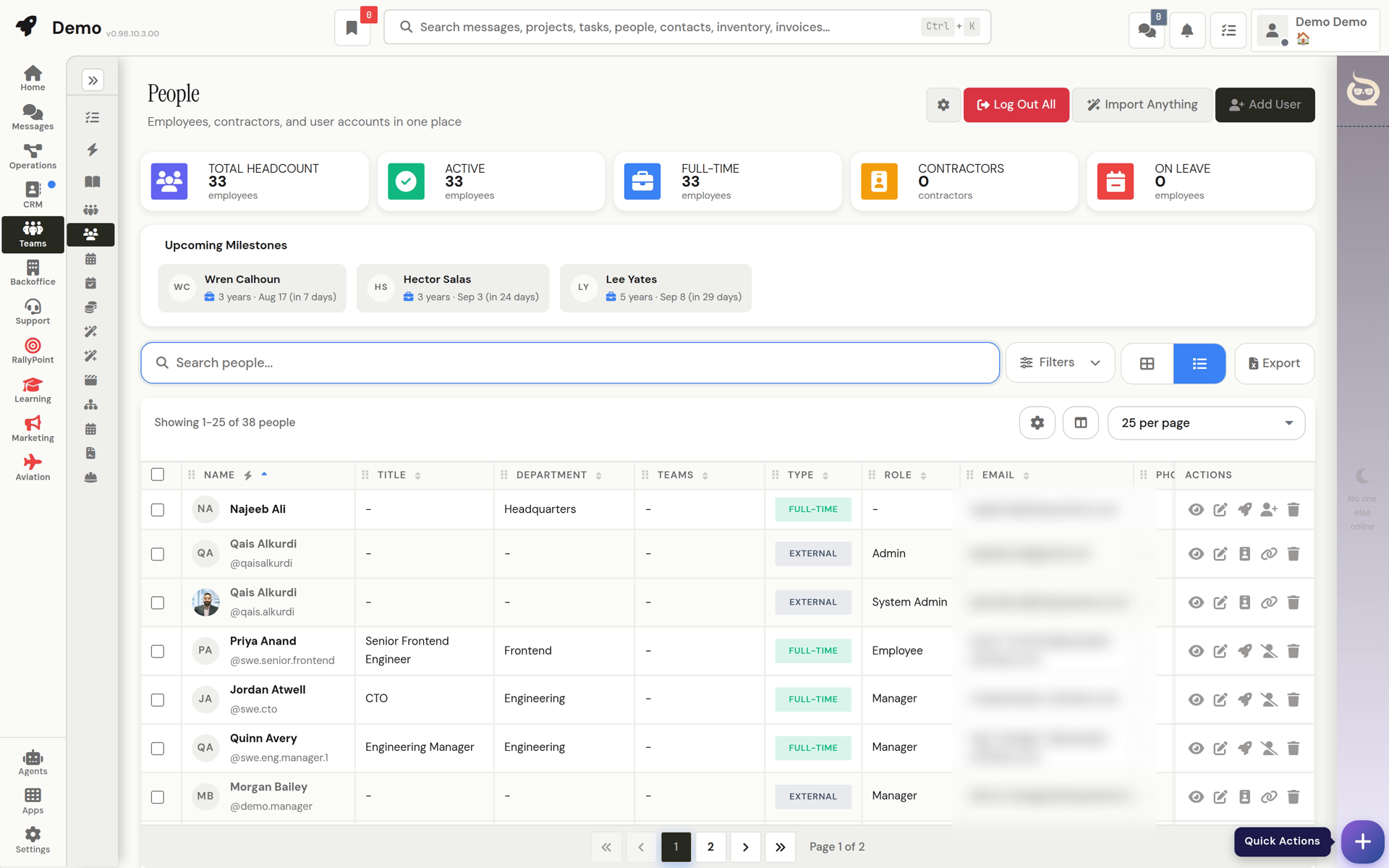
Workforce overview, headcount, leave, and time metrics.
Jobs, applicants, interviews, and offer approvals.
Time-off requests, approvals, and balances.
New-hire onboarding checklists; adoption tracking for leadership.
The reporting structure, visualized.
The employee directory, profiles, departments, and reporting lines.
Company policies, read and acknowledge.
Your profile, preferences, and account settings.
Every team as a card, who's on it, who leads it, and who is on no team at all.
Clock-ins, time entries, and timesheets.
Tickets that open next to the customer’s projects, invoices, and history.
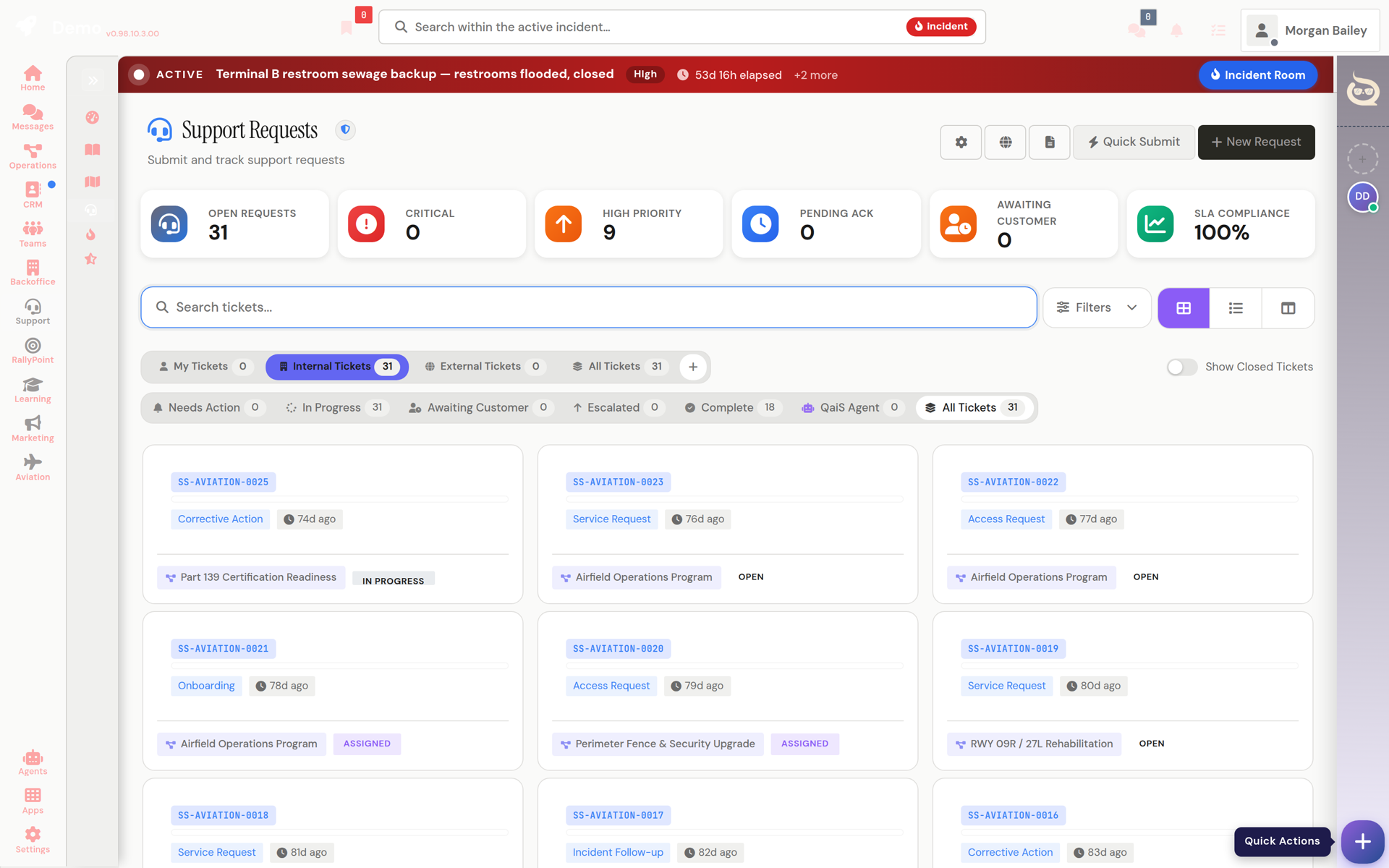
Operator view of agent escalations and their resolutions.
Every feature, module, app, and agent tool in the platform, with your own permission state.
User feedback collection and review.
Incident reports, log, track, and summarize.
KB articles, write, publish, and search workspace knowledge.
The operator console for ticket queues, approvals, and tenant operations.
Support requests, submit, triage, and resolve.
Support metrics, volume, response times, and resolution rates.
The home base: what to do next, for you and for the whole org.
Org and project calendar with two-way Google Calendar sync.
Your home base, tasks, alerts, project status, and quick actions in one view.
Register of planned drills, exercises, and organizational events, tracked from scheduled through completed.
Outbound, inbound, and vendor-direct movement in one ledger.
Live incident rooms projecting core incident data for coordinated response.
A ranked queue of what to do next, with guided work sessions.
Structured, typed records the whole workspace can reference.
Asset management keystone, equipment, vehicles, and resources with lifecycle tracking.
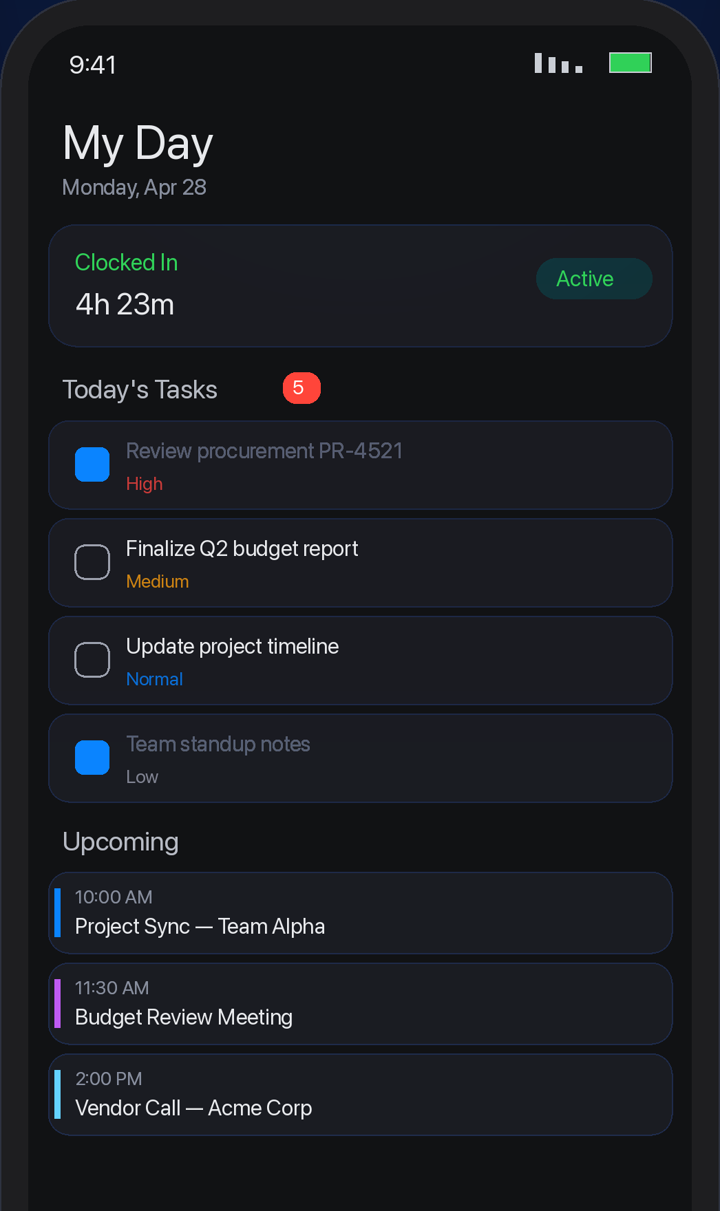
A personal daily agenda: your tasks, meetings, and priorities for today.
Team chat, threads, and email in the same place the work lives.
Public and private channels, DMs, threads, mentions, and shared files.
Your personal comment-thread hub across every record type.
Integrated email inbox inside the workspace.
Shared task lists, availability, recognition, and a full collaborative canvas suite.
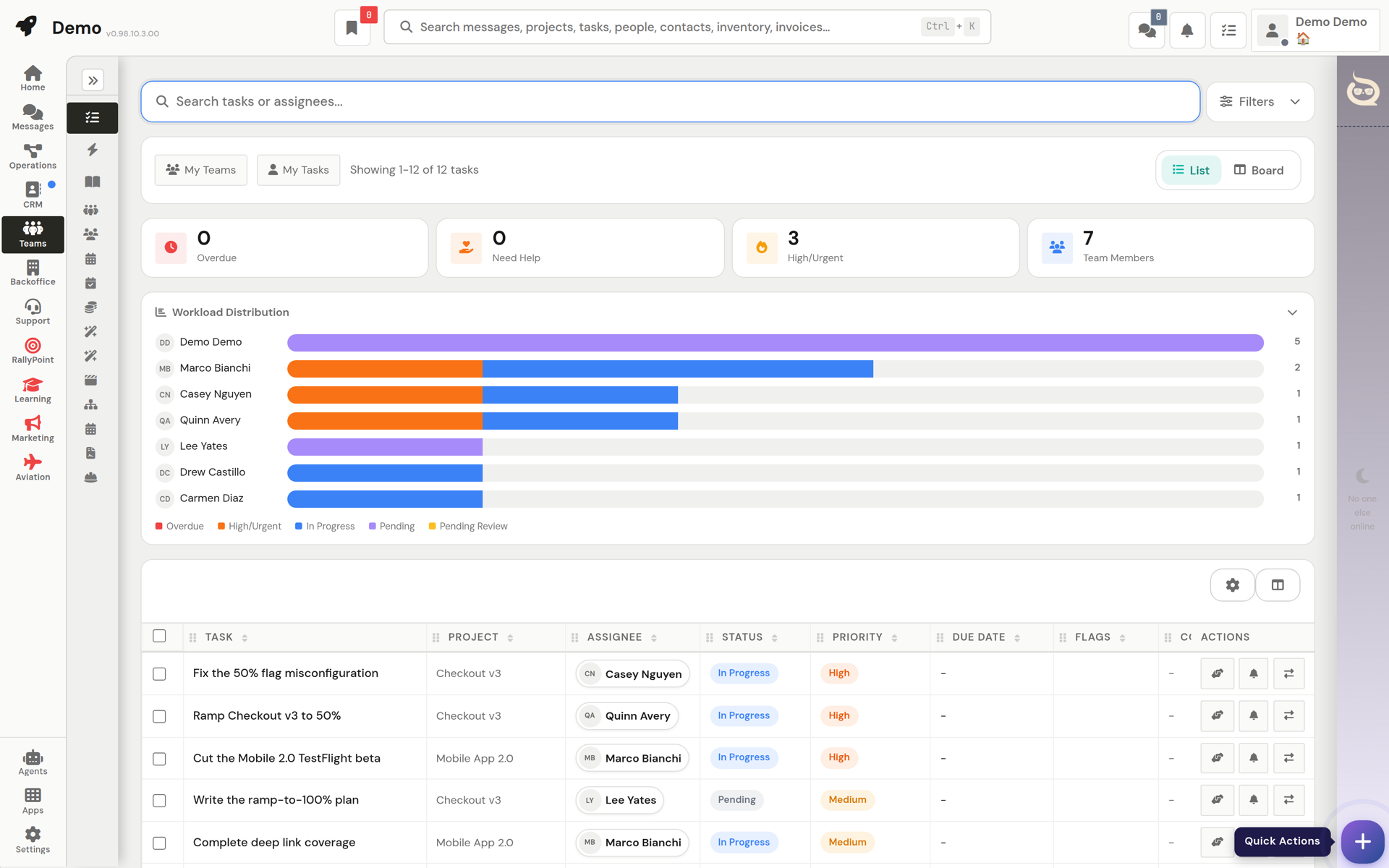
Who's available when, soft-blocked availability across the team.
Team recognition and rewards, every user has a Q Coin wallet.
Docs, decks, pages, sheets, and boards, one shell for five kinds of work.
The team activity feed, what everyone is working on.
The team's shared schedule.
Shared team task lists outside of projects.
Files, reports, saved views, and a full audit trail.
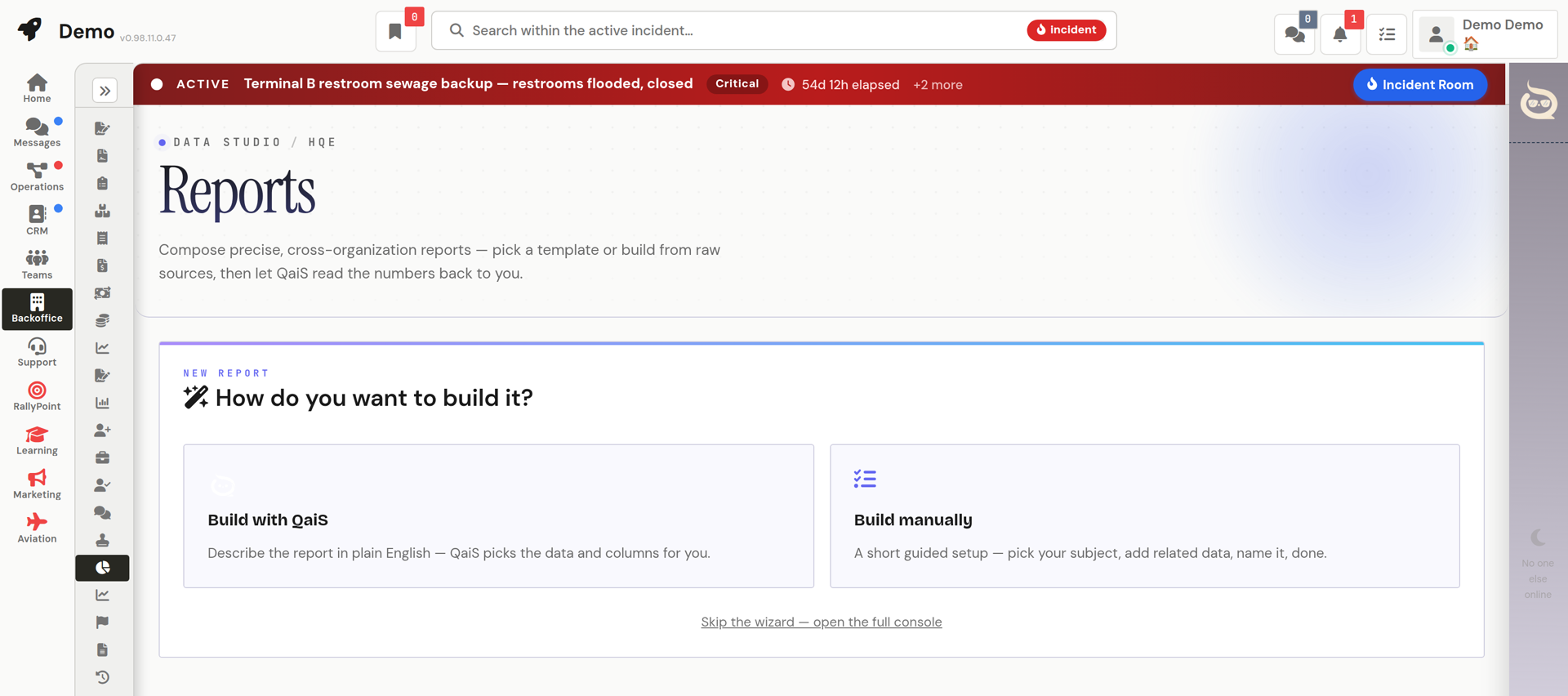
Shared files and documents with previews and access control.
The audit trail, who changed what, when.
Personal saved table views over workspace data.
Private custom pages, dashboards, tables and reports designed with QaiS and Laila.
The report builder, query and export data across every entity.
Author reusable AI skills for the workspace's agents.
Agents with real tools, connected to your own AI clients when you want them.
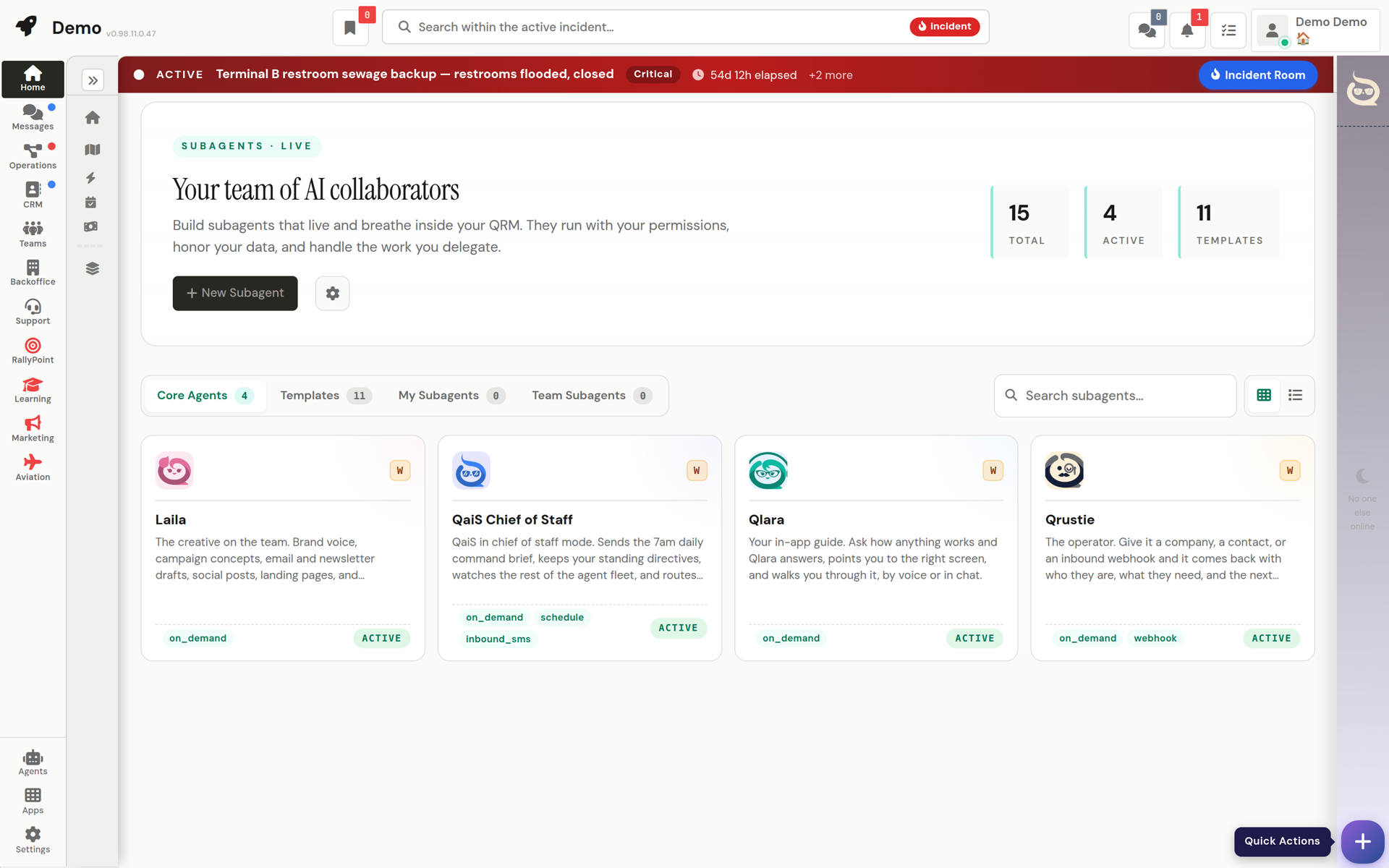
Your personal agent screens every notification and only interrupts when it matters.
Connect your personal AI client (Claude, ChatGPT, or Grok) to your workspace over MCP.
Point Grok, or an always-on Grok Bot, at your workspace and it works here as you — approvals included.
Per-tenant term/acronym dictionary feeding AI search: queries containing a glossary acronym are expanded with its spelled-out.
80+ launchable apps, an agent marketplace, and the controls behind it all.
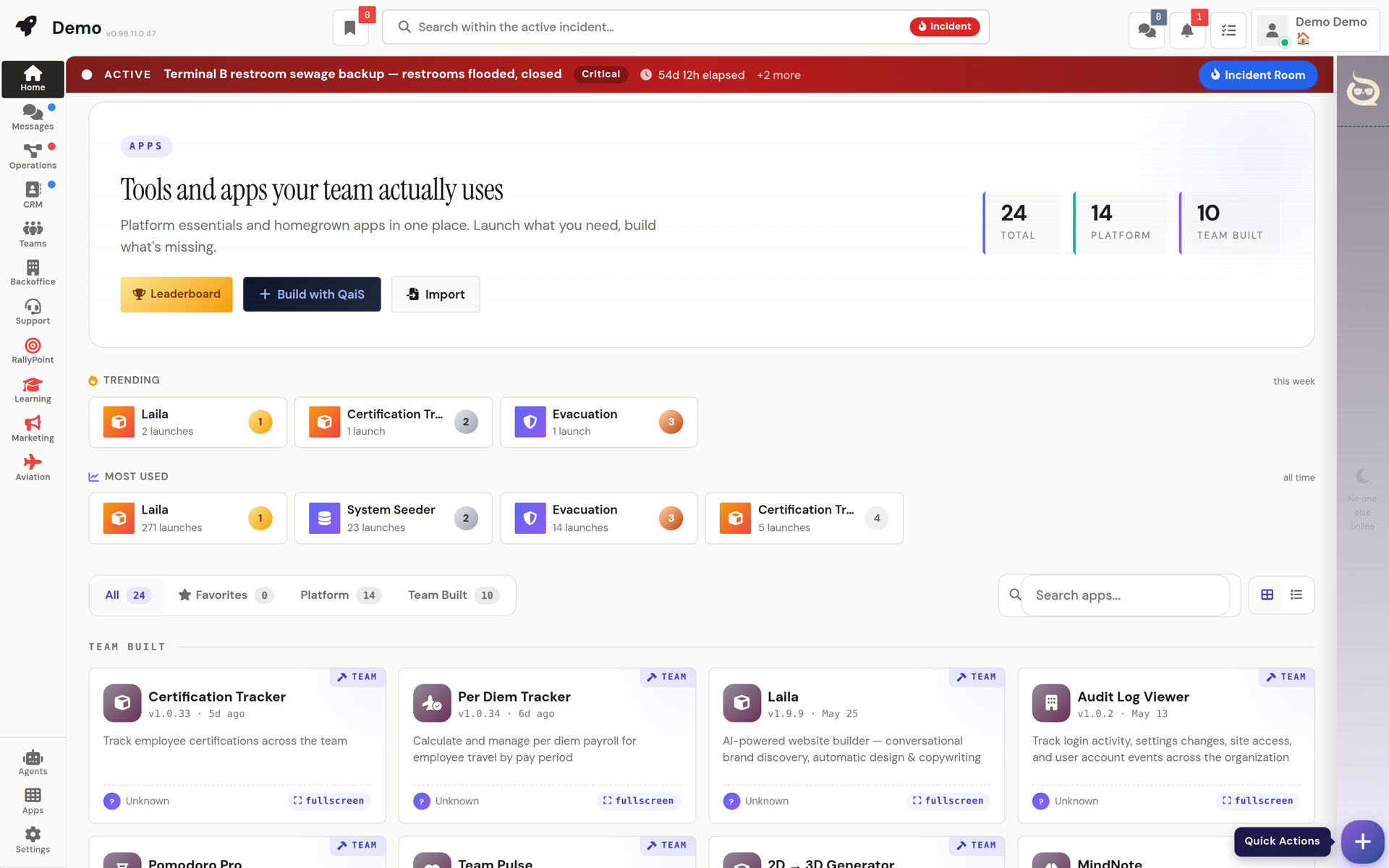
AI agent configuration, LLM routing ops, and the knowledge index.
The AI agent marketplace, browse and enable workspace agents.
A closeout readout showing how the agent program is performing.
80+ first-party and custom-built mini apps, launchable from one place.
Report objectionable messages, block abusive users (their content hides instantly), and review the report queue.
Ask for something an agent has no tool for, and it hands the job to an operator session.
Slow agent work runs in the background under a live card you can watch.
When a platform tool gets better overnight, your agents notice and put it to work.
Tenant management, custom domains, defaults, and nav layout, control plane only.
AI video presenters for everyone: templates, workspace-shared, and your own private presenters; self-service avatar creation.
Restore soft-deleted tasks, projects, invoices, bills, POs, and PRs.
The consolidated settings hub, account for everyone; workspace/system panels per role.
Workspace-level company inbox connections (e.g.
Workspace phone lines, your line, plus admin setup.
Usage metrics, AI spend, and page analytics.
Standing arrangements in a sentence: "when an invoice gets paid, tell me."
A clean, read-only window your customers can check without calling you.
A read-only, client-safe status view of a project in the customer portal.
A live, real-time chatroom between a project's internal team and its linked portal customer, a per-project PM opt-in (default.
A floating, portal-wide AI assistant for signed-in client-portal customers: answers project questions from the same.
Self-service account management for signed-in portal customers.
Deep add-on modules for specific industries, enabled per workspace.
A double-entry general ledger module: chart of accounts, journals, and financial statements.
A full online-university module: courses, cohorts, student portals, grading, and certificates.
The shared machinery every screen is built on.
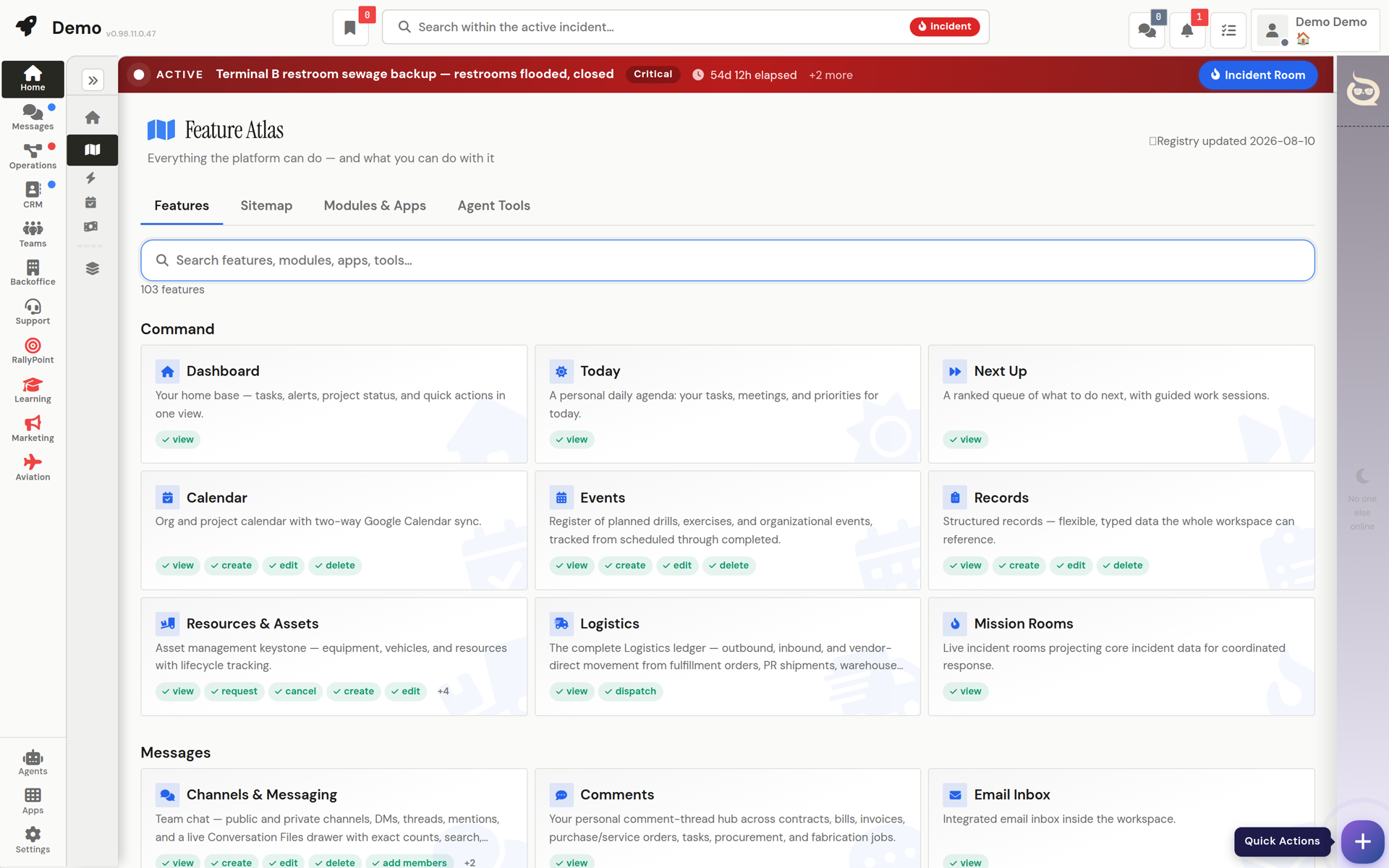
Open any screen as a draggable, resizable floating window over your current one.
Every list screen shares one queue-rail system with live cascading counts.
Open a free workspace and import a spreadsheet. An agent maps it while you watch.
FREE PLAN · NO CREDIT CARD · START ONLINE
 QRM
QRM